Google My Business Listing Not Showing Up? 15 Causes and Fixes (2026)
In the modern search ecosystem, a Google Business Profile (GBP) is not just a directory listing; it is a critical node in a complex discovery pipeline. When your listing fails to appear in the Map Pack or Google Maps, it is rarely a random technical glitch. It is usually the result of conflicting business signals, insufficient trust, weak relevance, or profile restrictions that prevent Google from confidently displaying your business to its users.
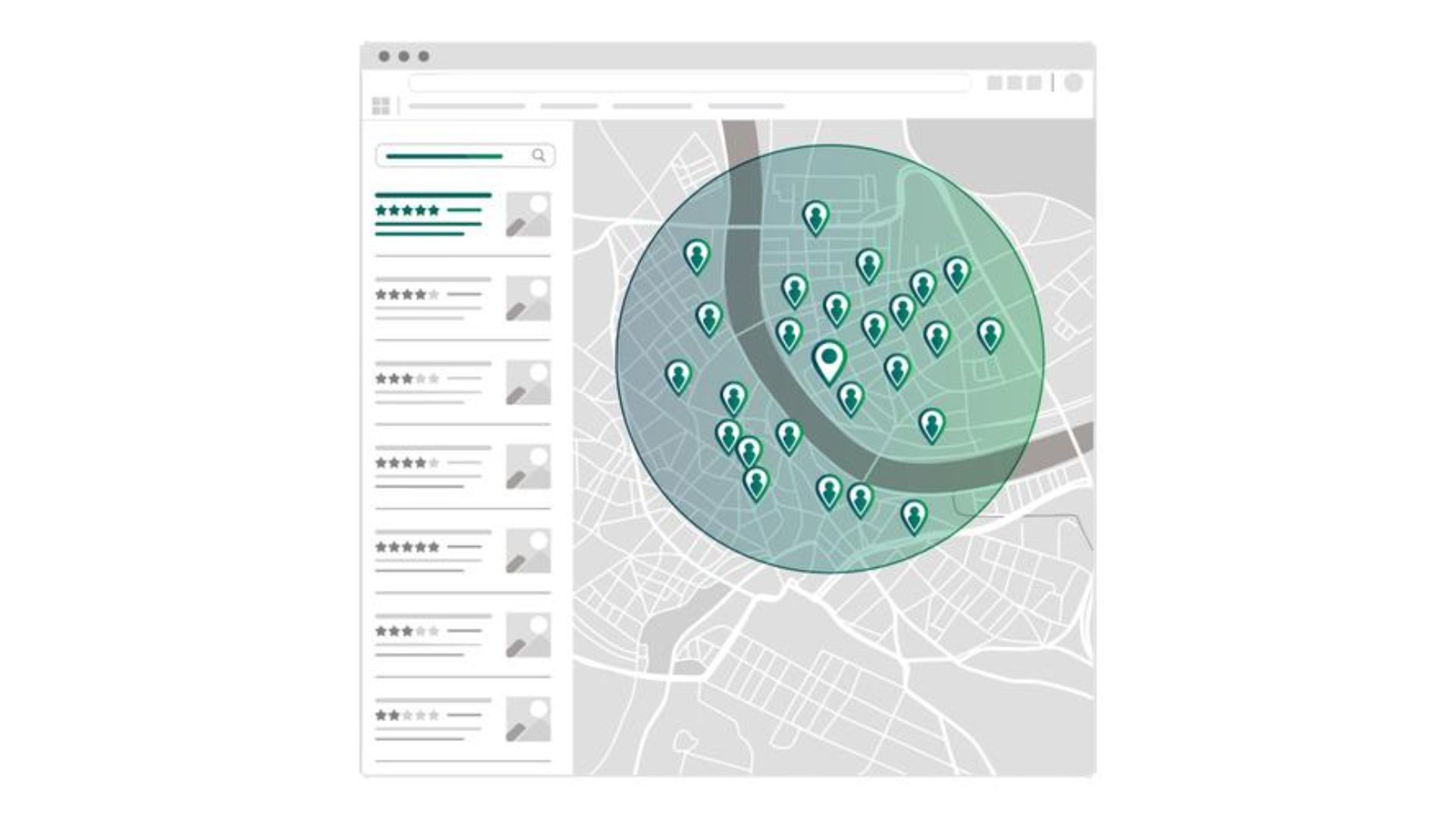
Local SEO is no longer just about content quality; it is about resource management and entity validation. Understanding how your profile moves through the Google Local Search: How it Works pipeline is the first step in diagnosing why your visibility has plateaued or vanished. In this guide, I will show you how to move beyond basic troubleshooting and implement a strategy that ensures Google prioritizes your business as a trusted destination.
1. The Verification Propagation Delay
The most common reason a new listing doesn’t show up is that it hasn’t cleared the initial verification gate. Even after you complete the verification process, the data must be processed across Google’s internal infrastructure.
- The Cause: Google often places new or updated listings in a “Processing” state while the data is propagated across Google’s local search systems. This can take anywhere from a few days to two weeks.
- The Fix: Check your GBP dashboard. If the status remains “Processing” for more than 14 days, you should request a manual review from Google Business Profile support to ensure there are no underlying data conflicts.
2. Hard and Soft Suspensions
If your listing was previously visible and suddenly disappeared, you are likely facing an algorithmic or manual suspension.
- Hard Suspension: The listing is removed from Google Maps entirely. This usually happens due to perceived eligibility violations, such as using a virtual office or a P.O. Box.
- Soft Suspension: You lose the ability to manage the listing, but the business remains on the map. However, its visibility is often suppressed because it is marked as “Unverified.”
- The Fix: Audit your profile against the latest guidelines. Ensure your physical location meets Google’s strict requirements for a local entity.
3. The Vicinity Rebalancing: Proximity Filter
Many business owners wonder why they can’t see their own listing while searching from a remote location. This is often a result of how Google calculates the searcher’s centroid.
- The Cause: Since the Vicinity update, proximity became a stronger ranking factor for many local searches. Google has narrowed the ranking radius to favor results that are physically closer to the searcher.
- The Fix: Use grid-tracking tools to measure your “Ranking Radius.” If your visibility drops off sharply just a few blocks away, you are likely hitting a proximity ceiling. To expand this radius, you must improve your standing in Distance, Relevance and Prominence.
4. Category Conflict and Misalignment
Relevance is a binary switch in local search. If Google cannot semantically link your business to the query, you will not appear.
- The Cause: Selecting the wrong primary category is a foundational error. Furthermore, adding too many irrelevant categories may confuse Google’s understanding of your business and its core offerings.
- The Fix: Audit the primary categories of the top three competitors in your Map Pack. Ensure your primary category aligns with theirs. This is a critical Local SEO Ranking Factor that defines your eligibility for specific search intents.
5. Signal Dilution (NAP Inconsistency)
Google attempts to triangulate your business data by crawling the “Trust Graph”—the collection of directories, social profiles, and news sites that mention your business.
- The Cause: If your Name, Address, or Phone number (NAP) varies across these sites, it creates conflicting business signals. This uncertainty forces Google to suppress your listing in favor of entities with cleaner data.
- The Fix: Perform a citation audit. Consolidate your NAP data across all major aggregators to ensure a unified signal.
6. The Deduplication Filter (Same-Building Competition)
Google avoids “SERP crowding” by filtering out similar businesses that share the same physical coordinates.
- The Cause: If you share an office building with several competitors in the same category, Google may choose to display only one or two to ensure a diverse set of results.
- The Fix: You must prove “Entity Uniqueness.” Use distinct suite numbers and provide high-quality, unique photos of your physical storefront and signage to differentiate your business from neighbors.
7. Service Area Business (SAB) Radius Issues
Businesses that serve customers at their locations but do not have a physical storefront often face unique visibility challenges.
- The Cause: If your service area is set too wide (e.g., an entire state), Google may struggle to associate you with hyper-local searches.
- The Fix: Define your service area by specific zip codes or counties where you have a proven track record of service.
8. Website-Profile Disconnect (Parity Issues)
Googlebot uses your linked website as a secondary source of truth.
- The Cause: If your GBP claims you offer a specific service, but that service is not mentioned on your website, you fail the relevance check. This is where Local SEO vs Traditional SEO converge; your on-page signals must support your local entity’s claims.
- The Fix: Create dedicated service pages on your website that reflect the services listed in your GBP.
9. Review Activity and Public Trust
Reviews are not just social proof; they are a direct input for the Prominence pillar of the local algorithm.
- The Cause: A stagnant review profile can be a signal of a “stale” business. Consistent review activity may signal that a business is active and trusted by its local community.
- The Fix: Implement an automated review request system to ensure a steady “velocity” of new feedback.
10. Keyword Stuffing Penalties
Adding “best” or “cheap” or city names to your business title might offer a short-term boost, but it carries a high risk of suppression.
- The Cause: Google’s spam filters are increasingly adept at identifying name-stuffing. This often leads to a manual flag or algorithmic suppression.
- The Fix: Use your legal business name. Rely on content and reviews to signal your specialization.
11. Inactive Profile Engagement
Google prioritizes “living” businesses over static entries.
- The Cause: Profiles that haven’t been updated in months may see a dip in interaction rates. Regular updates can improve user engagement and profile completeness, although Google has not confirmed a direct ranking benefit.
- The Fix: Use Google Updates (Posts) to share news, offers, and photos. This keeps the profile fresh for both the bot and the user.
12. The Search Intent Mismatch
Sometimes, the listing isn’t “missing”—the search query simply doesn’t trigger a local result.
- The Cause: If a query is determined to be informational (e.g., “how to bake bread”), Google will show a standard blue-link SERP. If it’s navigational or transactional (e.g., “bakery near me”), it triggers the Map Pack.
- The Fix: Target keywords that trigger the “Local Finder” or Map Pack in your specific industry.
13. Duplicate Listing Cannibalization
—
Creating multiple listings for the same business to “dominate” the map is a strategy that almost always backfires.
- The Cause: When Google detects multiple profiles for the same entity, it creates signal friction. Often, both listings are suppressed or filtered. This is a foundational issue in How Businesses Appear in Google Maps.
- The Fix: Merge duplicate listings or delete the weaker one to consolidate all ranking authority into a single “Primary Entity.”
14. Missing or Broken Technical Signals (Schema)
While Google is capable of finding your business without help, providing a clear data map reduces the computational cost of discovery.
- The Cause: Lack of structured data makes it harder for Google to connect your website’s authority to your GBP.
- The Fix: Including
LocalBusinessschema can help search engines better understand business information. Linking to your Google Maps profile (via the CID) may provide additional context, although Google has not confirmed a ranking benefit.
⭐ Pro Tip: Use the “Rich Results Test” to validate your schema. Ensure your name, address, and telephone exactly match your GBP.
15. Algorithmic Latency for New Entities
If you have done everything correctly and the listing is still missing, you may just be in the “Trust Sandbox.”
- The Cause: Google is cautious with new businesses. It takes time for the discovery engine to verify your prominence and relevance.
- The Fix: Continue building local signals. Over time, as your entity gains more “links” in the Knowledge Graph, its visibility will stabilize.
Key Takeaways
Solving a missing GBP listing is an exercise in removing “Entity Friction.” By aligning your internal architecture and external signals, you teach Google exactly where your value exists.
- Verify the Foundation: Check for suspensions and propagation delays.
- Align the Signals: Ensure your website and citations match your profile.
- Build the Radius: Focus on proximity and consistent reviews.
When you clean up the junk signals, Google reallocates its energy to displaying your profile to high-intent users. You can track the final result of these efforts by monitoring your position in the Google Map Pack Explained.
